
A client does not always need another treatment to return to your salon. They may have run out of shampoo or want the oil their specialist recommended. A separate catalog lets them choose products without booking a service, while online booking lets them add home-care products to an upcoming visit.
In My Own Service, the website catalog connects to your CRM products. Your team manages cards and stock in one place, and customers see the published selection on your business website.
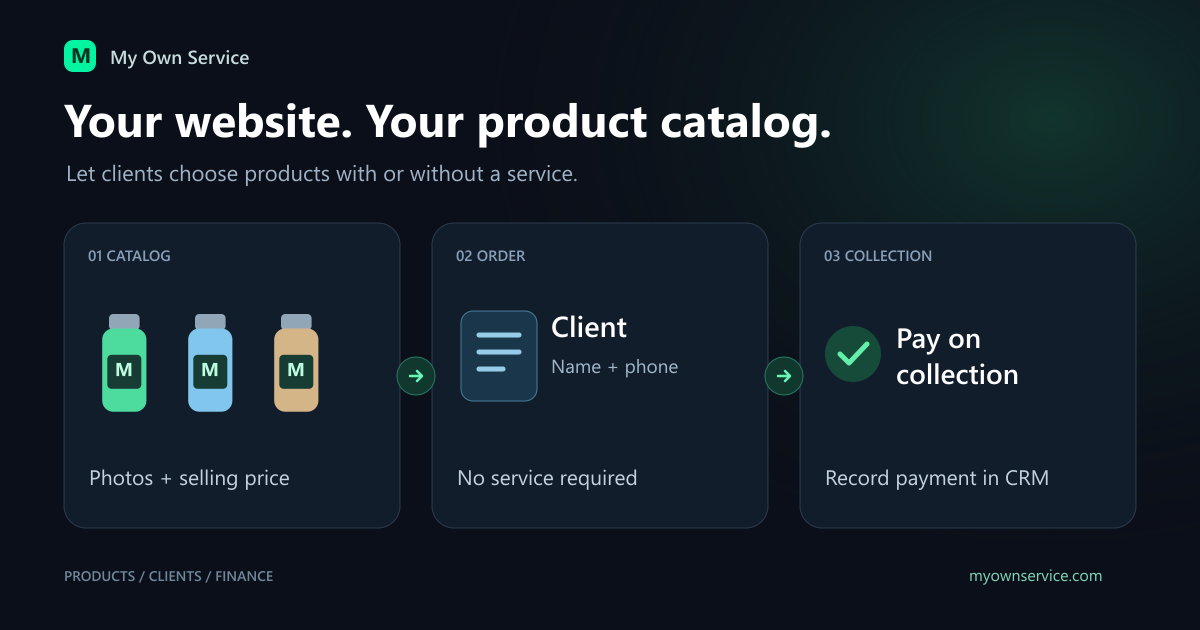
Prepare a card customers can examine
Use a clear name: product type, purpose and size. Explain the intended care routine in the description. Reuse an existing category so similar products stay together.
Upload up to five photos. The first is the cover, so make the product easy to recognize there. Use the others for packaging, size and label details. Similar backgrounds, lighting and product scale help the catalog feel consistent.
The public card displays the selling price. Purchase costs and exact internal stock quantities are not published; customers see whether the product is available.
If your website is not set up yet, start with the business profile and online booking website guide.
What makes a product visible
The owner or administrator checks four conditions:
- The business website is published.
- The product is active rather than archived.
- At least one photo is saved on the product card.
- Public website visibility is enabled.
Creating a product in CRM does not automatically publish it. A product with zero stock may stay in the catalog as unavailable to buy. After restoring an archived product, enable website visibility again.
This lets you keep some items for in-person sales and publish only the selection you want to offer online.
Buying without a service
Customers open the catalog, view a product, select their items and place an order. No service appointment is required. The form needs a name and phone number; email is optional.
The order arrives in CRM unpaid. An administrator checks the items and availability, then records payment when the money is actually received. Handover can be recorded with payment or later.
The first version supports orders paid on collection. It does not include online product payment processing, delivery or stock reservations. Arrange collection through your business's usual contact channels.
Products with an online booking
A customer can select a service and add products during booking. CRM links the product order to the visit, and the booking notification includes the selected goods. The administrator can see that the client expects both a service and a purchase.
The goods remain a separate part of the transaction. Marking the service paid does not pay the product order. Product checkout can include linked unpaid services. Handing over products does not itself complete a service.
This suits beauty salons where clients choose home care for a visit they already plan to attend.
Who receives sales credit
A website order starts without an assigned seller. If the purchase followed a specialist's recommendation, a manager selects that employee before payment. With no personal recommendation, the order can stay unassigned: the business receives the income without an individual commission.
The person who records payment and the person credited with the sale are recorded separately. The seller cannot change after payment. See the product commission guide for the rules and examples.
Check the catalog before sharing it
- Open the website on a phone and review names, photos and prices.
- Place a test product-only order and find it in CRM.
- Test a service booking with a product and inspect its notification.
- Make sure the team knows when to record payment and handover.
- Check an out-of-stock product and an item hidden from the website.
Saving an order does not hold units for the customer. Stock is checked again at payment, so regular physical counts help avoid surprises. The Retail & Stock overview explains receipts, adjustments and returns.
Ready to try My Own Service?
14 days free access — no credit card required.